Technology AI Small Business
How AI Can Improve a Small Business Website in 2026
Practical ways to use AI for customer questions, search, enquiries and everyday workflows, with a clear view of where it helps and when a simpler solution is better.
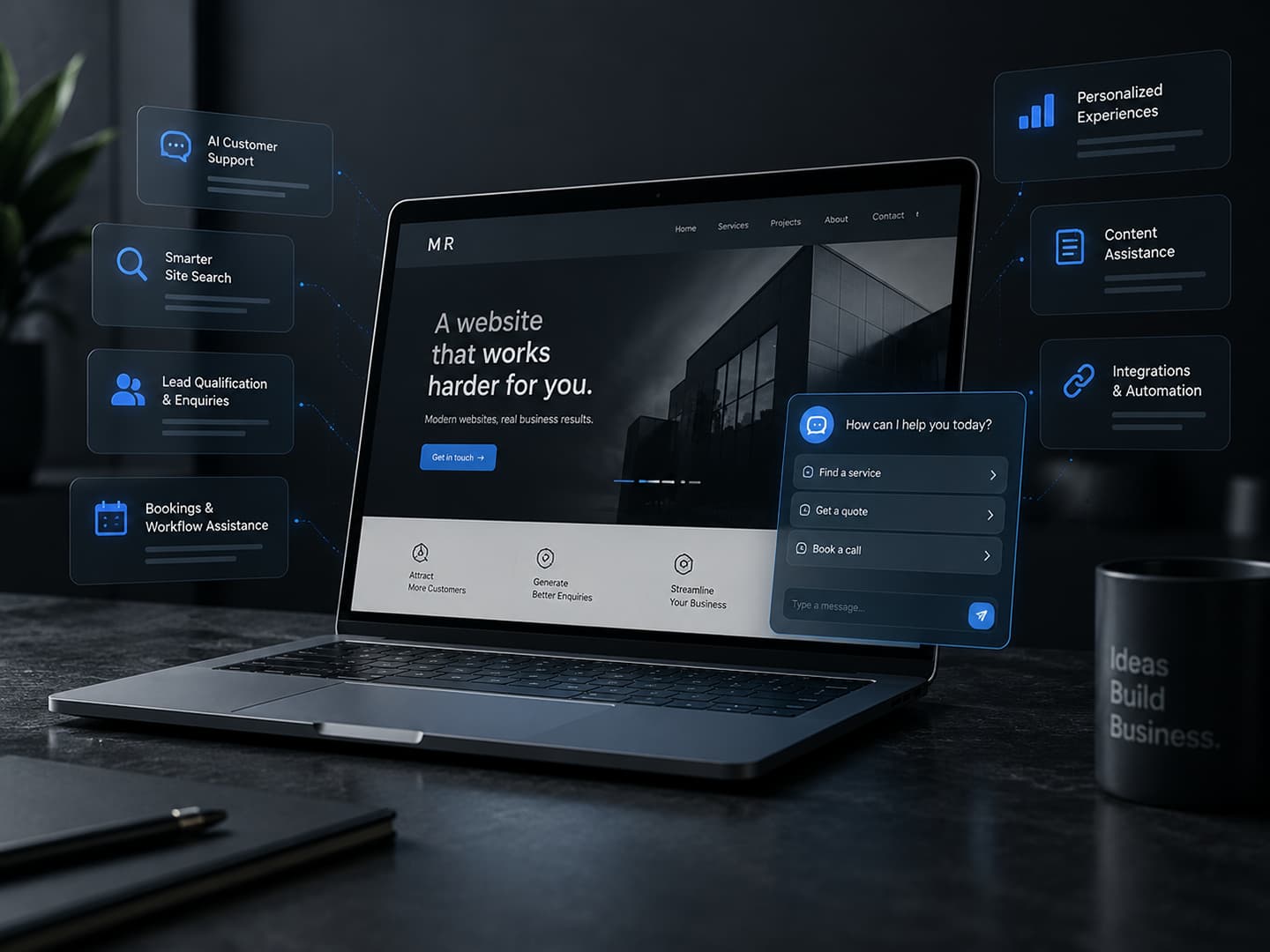
A small business website does not need AI simply because the technology is available. It needs to help people understand the business, find what they need and take the next useful step.
AI can support that work when it solves a specific problem: repeated customer questions, difficult search, incomplete enquiries or a process that takes too much manual effort. Adding a chatbot to an unclear website does not fix the unclear website.
For a local business serving New York or New Jersey, a company elsewhere in the US, or a business working internationally, the starting point is the same. Identify where customers or staff are getting stuck, then decide whether AI is the most practical way to help.
Answer recurring customer questions with clear boundaries
A useful support assistant can help visitors find answers about opening hours, service areas, delivery, returns or how a service works. Its answers should come from information the business has approved and can keep current.
Start with the questions your team actually receives. A service business might need help explaining what an appointment includes. A retailer might need help directing someone to the correct returns process. Neither assistant should invent a policy, promise a refund or make up a price.
Keep the original FAQ and contact options available. Let the assistant say it cannot answer, and make the handoff to a person easy. If a short, well-written FAQ answers the recurring questions already, that may be enough.
Help people find the right content
Search can become frustrating when customers describe a need differently from the words used on the website. Someone might search for a service by the problem they have rather than its formal name.
AI-assisted search can be designed to connect those descriptions with relevant services, products or guidance. The useful result is a clear route to existing information, with links that visitors can inspect, rather than an answer that hides where it came from.
First check the basics: page names, navigation, product attributes and ordinary search quality. A small website with a few services may benefit more from clearer labels than from an additional search system.
Make enquiries easier to understand and follow up
A good enquiry process collects enough information for a useful response without making the visitor complete a long interview. An assistant could ask a relevant follow-up question, explain which service fits a stated need, or prepare a summary for the team.
For example, a property maintenance business might need the type of work, service location and preferred timing. The assistant can help organize that information while leaving the actual assessment and quote to a person.
Avoid treating an AI-generated lead score as a final decision about who deserves a response. Keep the visitor's original message alongside any summary, and provide a normal form or direct contact route for people who prefer it.
Support booking without creating false promises
Booking assistance can help someone understand appointment types, gather preparation details or navigate a scheduling process. This is useful when choosing the right booking option is genuinely confusing.
Available times, prices and booking confirmations should come from the actual booking system. An assistant should not describe an appointment as confirmed until that system has accepted it. Ask the customer to review the details before a booking, cancellation or change is submitted.
If the business only needs customers to choose a service and a time, a dependable booking form may be the better solution. AI is more useful when there is a meaningful question to resolve before that step.
Personalize help where it is useful and expected
Personalization does not have to mean building a detailed profile of every visitor. It can mean using information someone deliberately provides to make the next step more relevant.
A visitor could select a business type or explain what they are trying to achieve, then receive a short list of relevant services or resources. They should still be able to browse the complete website and change their choices.
Use straightforward rules where they work. Do not collect extra personal information merely to make a recommendation feel more sophisticated, and do not infer sensitive circumstances from a visitor's behaviour.
Assist the team behind the website
Some of the most useful AI features may never appear as a customer-facing chatbot. They can assist with drafting a product description from approved facts, organizing enquiry notes, suggesting content updates or identifying missing information for an editor to review.
A member of the team should check the result before publication. Names, specifications, policies and service claims need particular care. Generated copy should sound like the business and explain something useful, rather than fill the website with repetitive pages.
An assistant can make a first draft easier to produce. It cannot take responsibility for whether the business actually offers what that draft describes.
Connect assistance with the tools you already use
A website becomes more useful when enquiries, bookings and updates reach the right people and systems. AI might help interpret an incoming message or propose a category before a conventional integration sends it to the correct workflow.
Separate interpretation from action. A suggested enquiry category is different from changing a customer record, sending a message or issuing a refund. Give integrations only the access they need, validate inputs and require confirmation for consequential actions.
Plan for failures too: avoid duplicate submissions, record whether an action succeeded, and give staff a way to correct a mistake. Often the routing and notification can be handled with ordinary automation; AI only needs to handle the part that requires interpreting language.
Build in accuracy, privacy and human oversight
Generative AI can produce a confident answer that is incorrect. Approved source material and testing can reduce mistakes, but they do not remove the need to review how an assistant behaves.
NIST's Generative AI risk-management profile identifies risks including inaccurate generated content and privacy concerns. For a small business, the practical response is to define what the feature may answer, what information it may use and when a person must take over.
Collect only the information the workflow needs. Explain when someone is interacting with AI, review what the service provider stores and who can access it, and decide how long conversation records are kept. Do not invite customers to paste sensitive documents into a general website assistant.
Test real customer questions, unclear requests and requests the assistant should decline. Keep a person responsible for reviewing failures and updating the source information. A customer should always have a clear way to reach the business without using the AI feature.
Recognize when AI is adding unnecessary complexity
An extra feature brings ongoing work: maintaining information, reviewing answers, managing usage costs, checking integrations and responding when something breaks. It can also make a website harder to use if it interrupts the page or hides a straightforward task behind a conversation.
AI may not be worthwhile when there are few enquiries, the website contains very little content, the same result is easy to achieve with a form, or nobody has time to maintain it. It is also a poor substitute for fixing unclear navigation, slow pages or missing business information.
A simpler improvement that reliably helps customers is a better investment than a feature that looks impressive in a demonstration but creates more work in daily use.
Decide whether the feature is worth building
Write down the problem in one sentence. Identify who experiences it, how it is handled today and what a better outcome would look like. Then compare a small AI-assisted feature with an ordinary form, search improvement or rules-based workflow.
- Choose one narrow task and define what success means, such as helping visitors find the correct service or reducing incomplete enquiries.
- Check that the necessary information is accurate, accessible and owned by someone who will maintain it.
- Include implementation, ongoing usage, review time and support in the cost comparison.
- Test with representative questions and measure completed tasks, incorrect answers and requests for human help.
- Start with a limited pilot, keep a fallback available and expand only if the evidence supports it.
This is the same thinking that should guide any website or application project: understand the need, choose the solution deliberately and build it carefully. Looking at completed projects can help frame the wider website requirements before deciding which additional features belong.
If you have a specific workflow in mind, tell us where people are getting stuck. The right next step may involve AI, a simpler automation or an improvement to the website you already have. The business problem should decide.